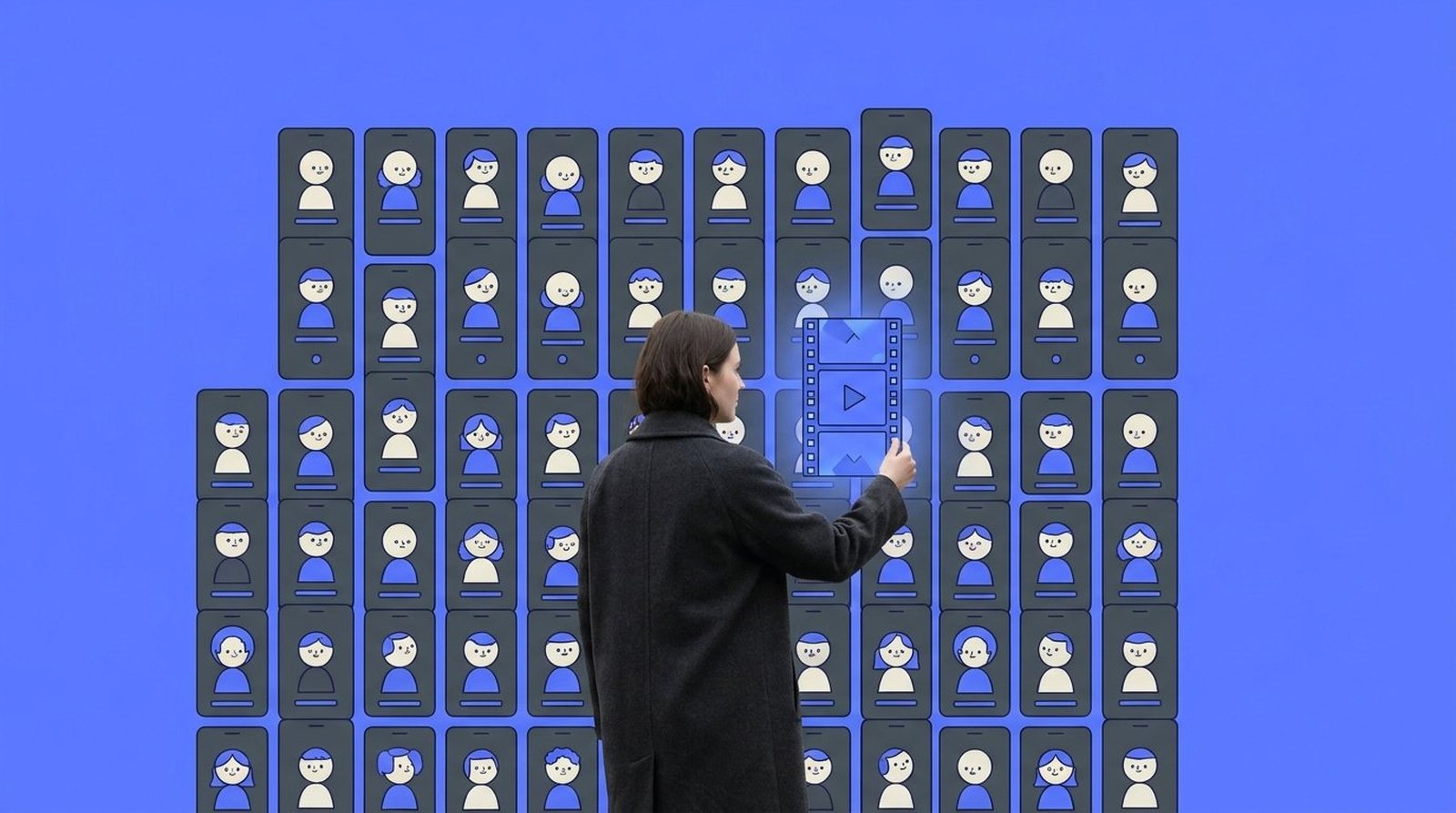
For years a website had two kinds of visitors: people, and the bots that index or scrape it. This autumn a third kind became hard to ignore. Personal AI agents, such as Meta's Muse and ChatGPT's Dots, now browse sites on behalf of one specific person. They compare, fill in forms, book a table, put something in a basket. The person behind them is a real customer. They just aren't looking at your homepage themselves.
The numbers moved quickly. DataDome, which filters bot traffic for large sites, measured traffic from agentic browsers rising from 12.5 million requests in August to 58.2 million in September 2026. MIT Technology Review, citing HUMAN Security, reported that agentic traffic tripled over the same month, and that Muse was downloaded five million times in its first month. Most of it goes to online shops for now, but the pattern reaches every site where someone wants to find something out or get something done.
What happens when an agent arrives
An agent reads a page in two ways: it looks at a screenshot, and it reads the structure underneath. When that structure is clear, it finds the price, the opening hours, the contact form, the button that says book. When it isn't, the agent gets stuck, and so does the person who sent it.
TechCrunch documented in October how often that goes wrong, and how often by accident. Walmart says failed Muse purchases on its site were not intentional; the likely cause was a human-verification step. Security settings meant to stop scrapers can turn away agents as well. Meta put it plainly: “Turning away a personal agent means turning away the customer behind it.”
Plenty of brands will decide deliberately which agents to let in, and that's a fair choice. The risk sits with the brands that never made a choice at all.
What helps, and why it isn't new
Google's web.dev team published a short guide this spring on building agent-friendly websites. Its advice reads like a good accessibility checklist: use real buttons and links instead of styled boxes, connect every form label to its field, avoid invisible layers on top of things people can click, keep layouts stable, make interactive elements big enough to see. The authors add that everything that makes a site agent-ready also makes it better for humans.
That's the reassuring part. You don't need a second website for machines. You need the one you have to be built honestly: content that lives in the page rather than inside an image, information in a logical order, forms that behave the same for a screen reader, a keyboard or an agent.
This matters most for the sites brands are proudest of. Campaign sites and brand experiences with full-screen video, scroll animation and custom cursors are exactly where buttons end up hidden under layers, or where a 'button' is really a decorated box. They can look beautiful and still be unreadable to anything that isn't a person with a mouse. The motion and the atmosphere can stay. The structure underneath just has to be planned together with them, not patched in afterwards.
Where to start
A useful first step is small. Open your own site and try to do the one thing customers most often come for, using only the keyboard. If you can't reach the button, an agent probably can't either. Then ask whoever manages your hosting or security what your bot settings actually block, and whether that was a decision or a default. And check that your key facts, what you offer, where, and how to reach you, sit in plain text on the page.
Beyond that, WebMCP is worth keeping an eye on: a proposed standard that lets a site tell agents directly which actions it offers, such as booking an appointment or requesting a quote. It's early, and nobody needs to rush. But brands that understand how agents see their site today will find it easier to decide what to open up later.
This is the kind of work we enjoy: websites that feel like film on the surface and are plainly, carefully built underneath, so they work for whoever comes to visit. If you'd like a fresh pair of eyes on yours, we're happy to take a look.